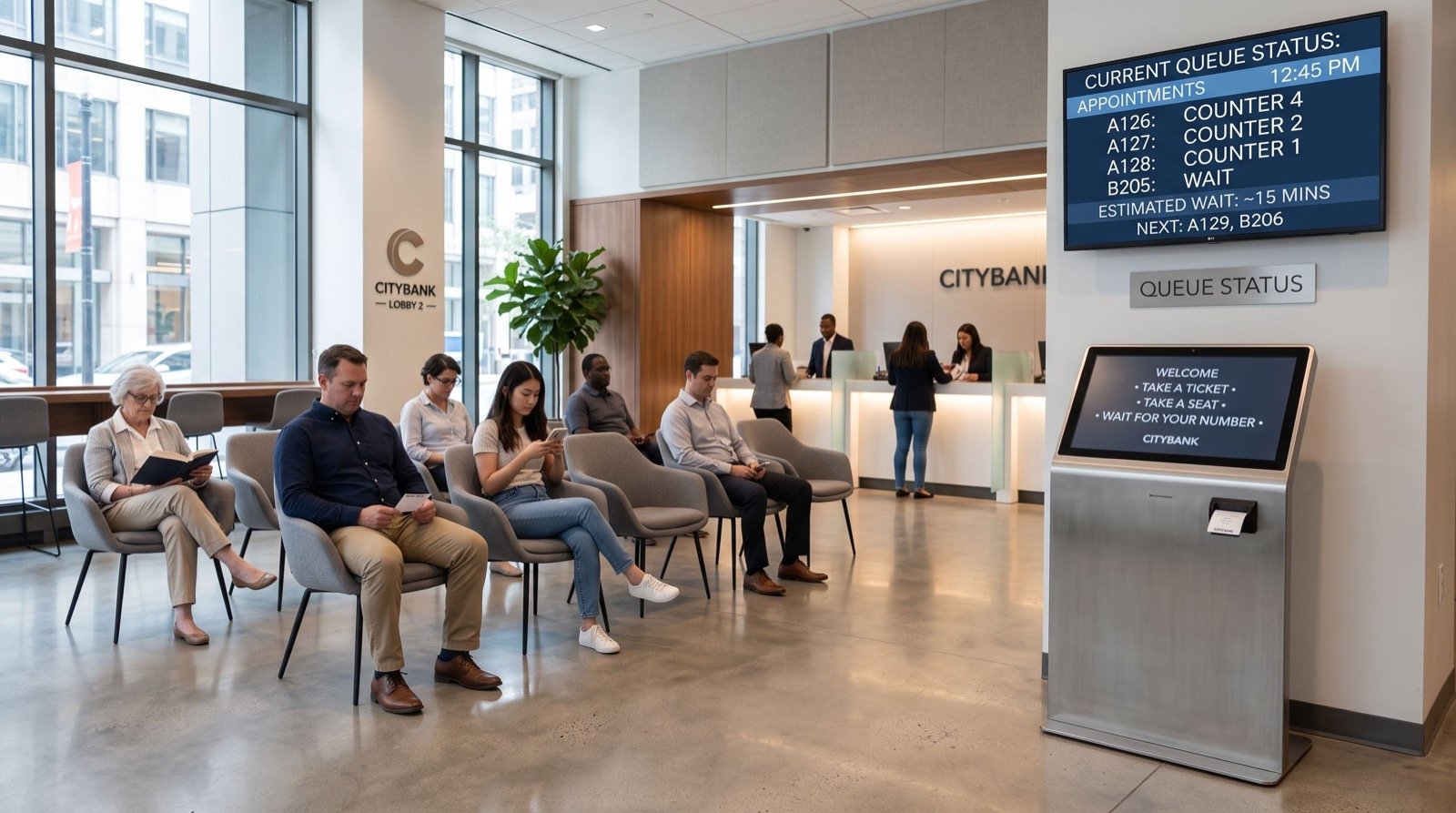
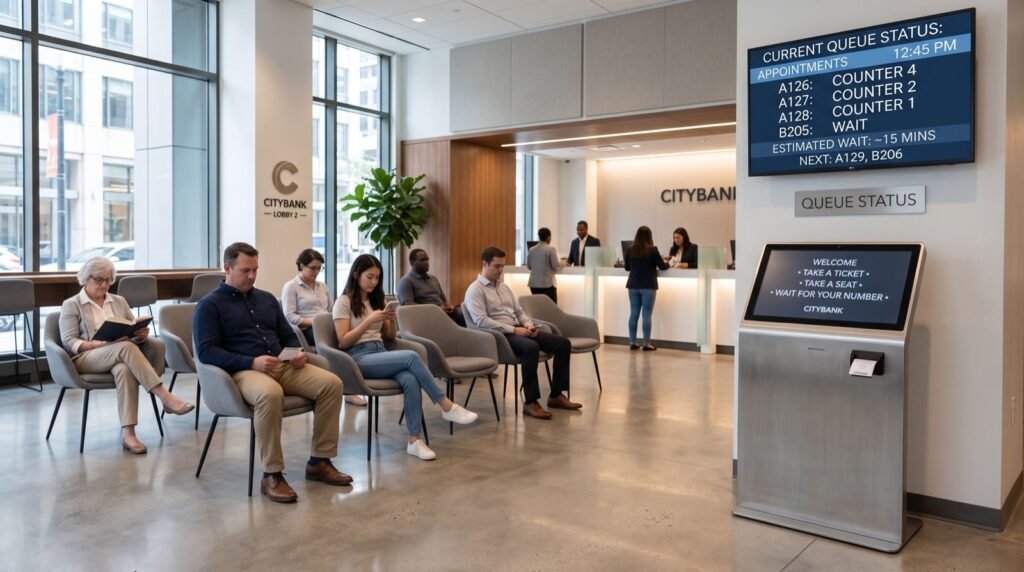
A queue management system in saudi arabia turns a crowded waiting hall into an orderly flow of numbered tickets, live screens and short, predictable waits. In 2026, banks, clinics, telecom stores and government counters across the Kingdom are replacing paper slips and shouting with digital queues. This guide explains how the technology works, what it costs you in time and money, and how to pick a setup that fits your branch.
We wrote it for operations managers and business owners who want practical answers rather than brochure language. You will find a comparison table, a rollout checklist and an FAQ at the end.
Why Saudi Businesses Are Moving to Digital Queues
Saudi Arabia’s Vision 2030 programme pushes hard on digital service delivery, and customers now expect the same speed in a branch that they get in an app. Long visible lines hurt that impression quickly. A ticketing system gives people a number, an estimated wait and the freedom to sit comfortably or step outside.
Telecom retail is a good example. Customers arrive for SIM replacements, bill disputes, device upgrades and fibre sign-ups, and each task takes a different amount of time. Without routing, a two-minute payment waits behind a twenty-minute contract. Smart queues separate those flows automatically.
What problems does a queue system actually solve?
- Walk-outs: customers who see an unmanaged crowd often leave before they are served.
- Unfair service: staff serve whoever is nearest rather than whoever arrived first.
- Blind management: without data you cannot tell which hour or counter is the bottleneck.
- Staff stress: agents spend less time handling complaints about waiting.
Core Features of a Queue Management System in Saudi Arabia
Not every product suits the local market. Look for features that reflect how Saudi branches really operate, from prayer-time breaks to bilingual customers.
- Arabic and English interfaces on kiosks, tickets and display screens.
- Service categories with priority rules for elderly customers, families and VIP accounts.
- SMS or WhatsApp ticket alerts so customers can wait away from the counter.
- Multi-branch dashboards that compare average wait and service time.
- Voice call-outs in Arabic with adjustable volume.
- Integration with CRM or appointment booking, so booked clients skip the walk-in line.
Which hardware do you need?
A typical branch uses a touchscreen ticket kiosk, a counter-side operator console, and one or more LED or LCD display screens. Smaller offices can start with a tablet kiosk and a single wall display. Larger sites add a mobile check-in option, which removes much of the hardware pressure at peak times.
Comparison: Manual, Basic and Smart Queue Setups
| Feature | Manual tokens | Basic ticketing | Smart queue platform |
|---|---|---|---|
| Setup cost | Very low | Moderate | Higher, scales with branches |
| Reports and analytics | None | Daily counts | Wait, service time, peak hours |
| Customer notifications | No | Screen only | SMS / app alerts |
| Multi-branch control | No | Limited | Central dashboard |
| Best for | Tiny offices | Single clinics, shops | Banks, telecom, government |
The right tier depends on volume. A branch serving fewer than fifty customers a day rarely needs full analytics, while anything above two hundred benefits from them within the first month.
How Do You Roll Out a Queue System Without Disruption?
The most common failure is not the software. It is a rushed launch where staff were never trained. Follow a simple sequence.
- Map your services and estimate how long each one takes.
- Choose the ticket categories, keeping them to six or fewer.
- Install the kiosk near the entrance, with clear signage in Arabic and English.
- Train counter staff for one full shift before going live.
- Launch in one branch first, review the first week of reports, then expand.
Our practical tip: place a greeter beside the kiosk for the first three days. Customers who are shown how to press the right button once rarely need help again, and the greeter’s feedback shows which labels confuse people.
Learning From Other Markets
The same principles apply across the region. A queue management system in lahore deployment faces similar challenges, from mixed service types to peak lunchtime crowds, and the lessons about ticket categories and display placement carry over almost unchanged. Comparing how different cities use the technology helps you avoid mistakes others have already paid for.
Choosing the installer matters as much as choosing the product. Look for trusted professionals who can support hardware locally, offer Arabic training and respond quickly when a kiosk fails. Ask for references from a business similar to yours.
Measuring Success in 2026
Set targets before launch. Good benchmarks include an average wait under ten minutes, a walk-out rate below three percent and a customer satisfaction score you can track monthly. Review the data every week during the first quarter, and adjust counter staffing to match the peaks you see.
Guidance on digital service quality in the Kingdom is available from the Saudi Vision 2030 programme, which outlines national priorities for customer-focused public and private services.
A Day in the Life of a Smart Queue
Consider a telecom branch in Riyadh at 5 pm on a Thursday. Without a system, thirty people crowd the entrance and three agents try to guess who arrived first. With digital tickets, each visitor taps a service, receives a number and sees an estimated wait on the screen.
Customers paying a bill are routed to a fast counter. Those needing a device upgrade wait for a specialist. A manager watching the dashboard sees the line grow and opens a fourth counter within minutes. Nobody argues, and nobody leaves.
What should you ask a vendor before signing?
- Can the system keep working if the internet connection drops?
- Is Arabic voice announcement included, or an extra cost?
- Who repairs a faulty kiosk, and how quickly?
- Can reports be exported to Excel or your BI tool?
Frequently Asked Questions
How much does a queue management system cost in Saudi Arabia?
Prices vary with the number of counters, screens and branches. A single-branch starter package costs far less than a bank-grade multi-site platform, so request a quote based on your actual counters and service types.
Can customers take a ticket from their phone?
Yes. Most modern platforms offer QR-code or app check-in, so people can join the queue remotely and receive a notification when their turn is near.
How long does installation take?
A small office can be live in one to two days. A multi-counter branch with custom displays usually needs one to two weeks including training.
Does the system work in both Arabic and English?
Quality systems support both languages on tickets, kiosks, screens and audio announcements, and let customers switch with a single tap.
Conclusion
A well-chosen queue management system in Saudi Arabia reduces waiting, protects your brand image and gives managers real data to plan staffing. Start with a pilot branch, measure the results and expand once the numbers prove the benefit. If you are ready to compare options, request a demo and test the system with your own service list in 2026.